Your connection speed, always in view
A small Windows app that shows your live download and upload speed in the taskbar, or in a floating window you can place anywhere on screen.
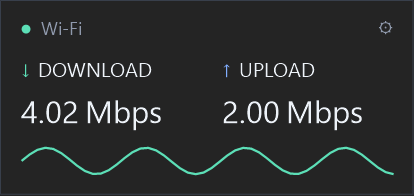
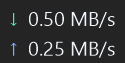
Taskbar or floating
Show a compact readout beside your taskbar icons, or a floating window with a live download graph that you can drag anywhere.
The units you think in
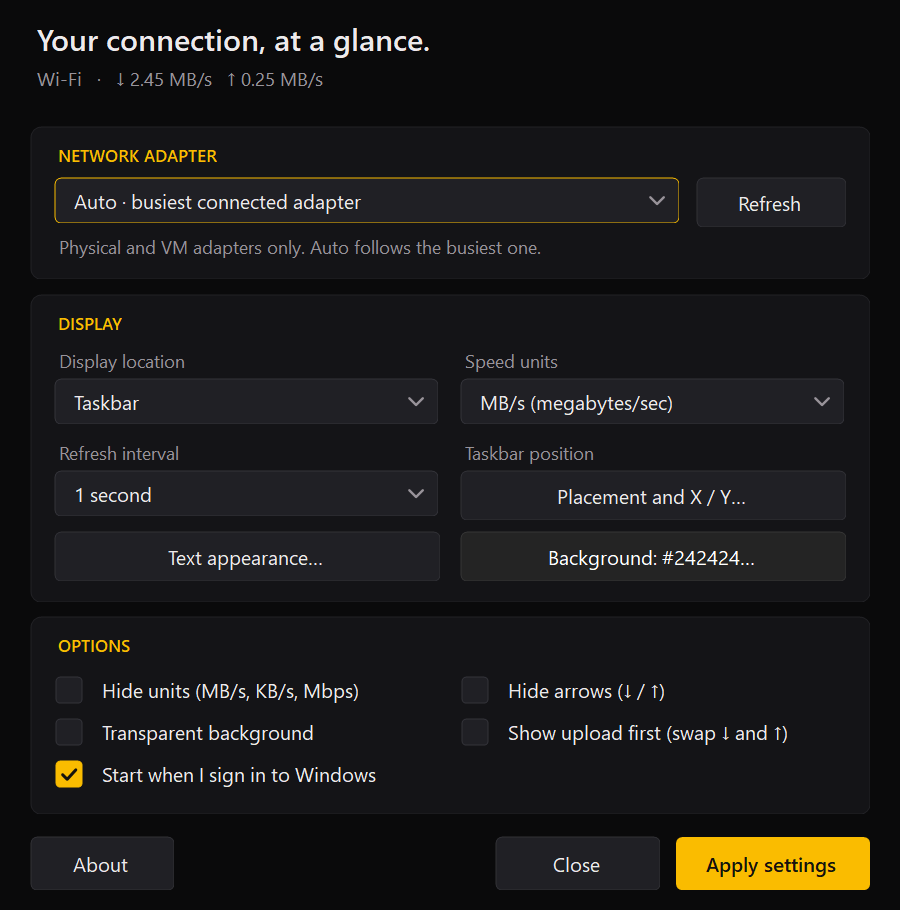
MB/s, Mbps, or automatic KB/s and MB/s. Hide the units or the arrows for a cleaner look.
Pick the connection
Follow the busiest connection automatically, or choose a specific Wi-Fi, Ethernet or virtual machine adapter.
Make it yours
Set the colour, size and weight of every part of the readout, choose a solid or transparent background, and refresh every 0.5 to 3 seconds.
Stays out of the way
Never covers your taskbar icons: the readout shrinks to fit the space available, and hides while a full-screen app is in front.
Private by design
No account and no data collection. It measures traffic on your own PC and never sends anything anywhere.
Privacy and support
BalanGo Speed Meter reads your network adapter's own counters. It has no account, collects no data and sends nothing anywhere. The full details are in the Speed Meter privacy policy.
Questions or problems: info@balangoz.com.
Good to know
- Works on Windows 10 (version 1809 or later) and Windows 11. The taskbar readout is designed for a horizontal taskbar; floating mode works with any layout.
- It shows the actual traffic going through your network adapter, including local network traffic. It is not a speed test and doesn't show your internet plan's maximum speed.
- Optionally starts when you sign in to Windows. You can turn that off in the app or in Task Manager.