Five PC tools, one window
The full BalanGo Speed Meter plus an internet health monitor, a folders and files scanner, a WiFi analyzer and network discovery — one native Windows app in the dark BalanGo look.
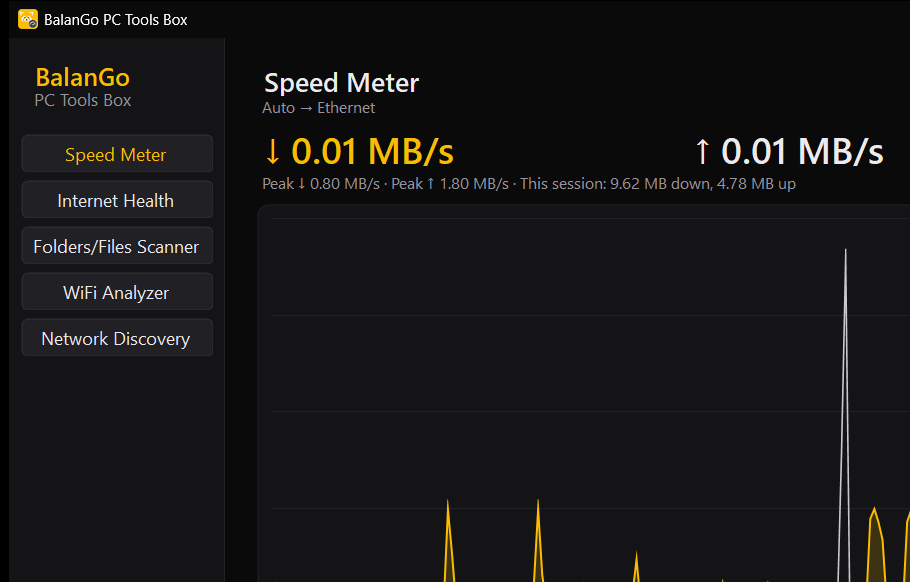
Speed Meter
The complete BalanGo Speed Meter — taskbar readout or floating window, live graphs, your colours — hosted inside the toolbox, so it keeps measuring while you work in the other tools.
Internet Health
Watches the latency to your router and to the internet side by side and tells you which one is at fault when the connection feels slow — your WiFi, or your provider.
Folders & Files Scanner
Find what fills your disk: live folder sizes as the scan runs, your largest files, and exact duplicates found by checksum — not just matching names.
WiFi Analyzer
Every network around you with live signal bars, a channel-spectrum graph, and plain advice on whether your own channel is the crowded one — with a button that opens your router.
Network Discovery
Sweeps your network and lists every device with its name and hardware address, then checks which ports a device answers on — one host or all of them.
One box, growing
Pop-out graphs, notifications when a scan finishes, and the same dark BalanGo theme end to end. New tools join the sidebar as they're ready.
Privacy and support
Everything runs on your own PC and your own network. No account, no data collection — scans, measurements and results never leave your machine.
Questions or problems: info@balangoz.com. Just want the meter on its own? That's BalanGo Speed Meter.